
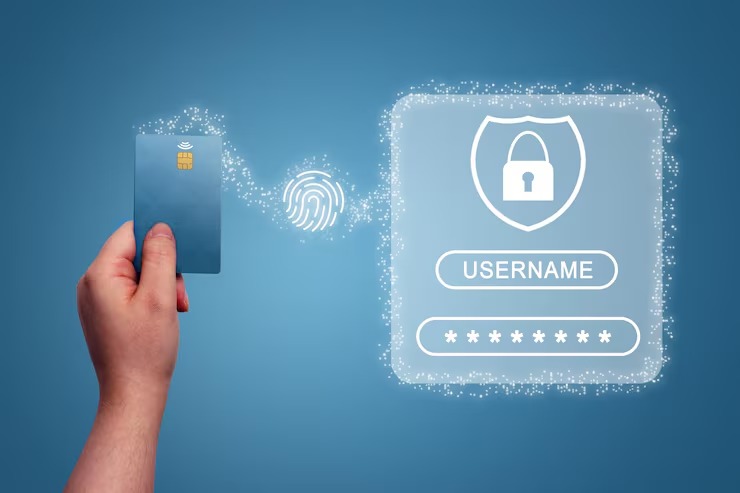
Why Passwords Are Becoming a Big Problem
Passwords look simple, but they create stress for users and businesses. A person has too many accounts now. Email, banking, shopping, school apps, work tools, cloud storage, and social media all ask for passwords. Many people use short passwords because they want to remember them. Some use birthdays, pet names, or common words. These are easy to guess.
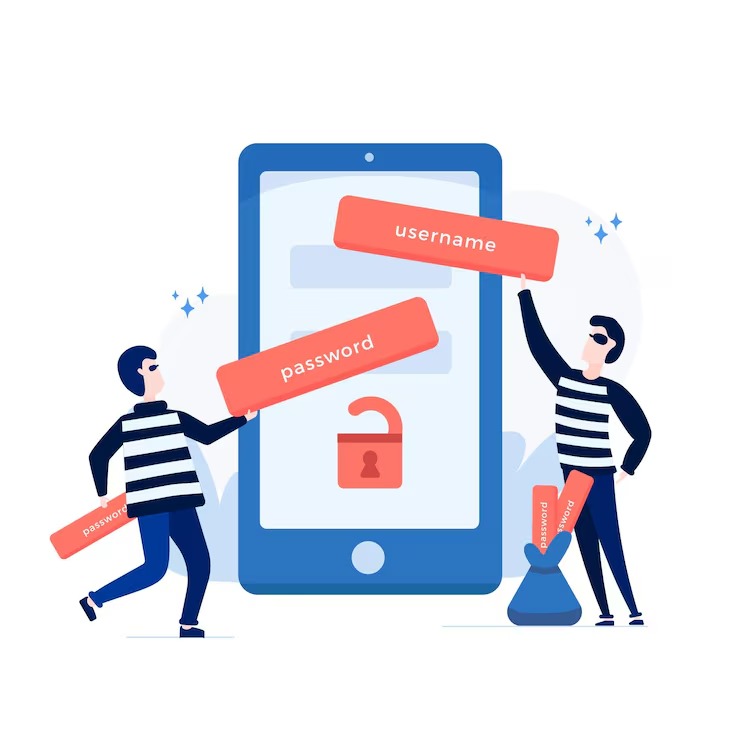
Attackers also use tricks. They send fake login pages. They send emails that look real. A user types a password on the wrong page, and the attacker gets access. This is called phishing. It works because passwords are something you know and something you type.
Businesses spend money on password reset requests. Users waste time when they forget login details. Support teams answer the same issue again and again. Passwordless login fixes many of these problems by removing the password from the login step.
What Passwordless Authentication Means in Simple Words
Passwordless login means you enter your account without typing a password. The system checks your identity in another way. You might use your fingerprint. You might scan your face. You might approve login from your phone. You might plug in a security key.
The idea is simple. Your device proves your identity for you. The website or app does not need to store your password. Since no password gets typed, there is less risk of theft. If a fake page asks for a password, there is no password to steal.
For a five year old kid, think of it like this. A password is like saying a secret word at the door. Passwordless login is like the door seeing your face and opening only for you. No one else knows your face in the same way your phone does.
How Passwordless Login Works
Passwordless login uses a pair of digital keys. One key stays on your device. The other key stays with the website or app. These two keys work together during login. Your private key stays safe on your phone, laptop, or security key. The website never sees it.
When you sign in, the website asks your device to prove identity. Your device asks you to confirm with a fingerprint, face scan, PIN, or screen lock. After you confirm, your device sends a safe signal back. The website checks this signal and lets you enter.
This process happens in seconds. You do not need to know the technical details while using it. You tap, scan, or enter your device PIN. The system handles the rest.
Why Businesses Care About Passwordless Authentication
Businesses want safer login because account theft creates damage. A stolen account might expose customer data. It might lead to payment fraud. It might damage trust. It might also create legal and support costs.
Passwordless login helps businesses reduce common login risks. It also improves user experience. When login feels easy, more users finish sign in. Fewer people drop off because they forgot a password. Teams also spend less time on password reset requests.
For a small business, this matters. Less support work means more time for sales, service, and growth. For a large business, it helps protect thousands of employees and customers at once.
A Conversational Guide to Passwordless Authentication
If you ask, “Do I still need passwords for my online accounts?” the answer is changing. Many apps now support passwordless login. Some still keep passwords as a backup. But the trend is clear. More users want fast login. More companies want less risk. Passwordless Authentication fits both needs.
You do not need to be a tech expert. Start with your main accounts. Email comes first because it connects to many other logins. Then protect banking, work tools, cloud storage, and shopping accounts. When a site offers passkeys or biometric login, turn it on. Keep your device lock strong. Use a PIN or biometric setting on your phone and laptop.
Passkeys: The Most Common Passwordless Option
Passkeys are one of the easiest ways to use passwordless login. A passkey lives on your device or in your password manager. You use your face scan, fingerprint, or device PIN to approve login. You do not type a password.
Many large platforms support passkeys because they reduce phishing risk. A passkey works only with the real site or app where you created it. A fake site cannot trick it in the same way a fake password page tricks a person.
This is why many users now prefer Passkey Login for email, shopping, cloud tools, and work accounts. It saves time and adds stronger protection without making daily login hard.
Passwordless Authentication Benefits for You
Passwordless login gives clear benefits for normal users. You feel the change on the first day.
- You spend less time typing login details.
- You stop worrying about forgotten passwords.
- You lower the risk of phishing attacks.
- You avoid weak and reused passwords.
- You get a smoother login on phone and laptop.
- You keep better control through your own device.
These benefits matter because online life now depends on secure accounts. Your email, payments, photos, work files, and private messages need strong protection. A safer login method helps protect all of them.
Real Life Example of Passwordless Login
Think about online shopping. You open your favorite store. You want to buy one item. A password box appears. You try two passwords. Both fail. Now you reset the password. You wait for an email. You create a new password. This takes time and feels annoying.
With passwordless login, you open the store app. You tap sign in. Your phone asks for your fingerprint. You approve. You enter your account. The whole step takes a few seconds.
Now think about work login. An employee signs in to a company dashboard each morning. A password might get stolen through phishing. With passkeys or device based login, the attacker has a harder job. They need the user device and local approval. This makes theft harder.
Common Passwordless Authentication Methods
Passwordless systems use different methods. Each one fits a different need.
Biometric Login
This uses your fingerprint or face scan. It is common on phones and laptops. It feels fast because you already use it to unlock your device.
Passkeys
Passkeys use digital keys stored on your device or password manager. They work well for websites, apps, and work tools.
Magic Links
A website sends a login link to your email. You click the link and enter your account. This is simple, but your email account must stay safe.
One Time Codes
You get a code through email, text, or an authenticator app. You enter the code to sign in. This helps, but text codes are weaker than app based or passkey based login.
Security Keys
A security key is a small device you plug in or tap. Many companies use it for high risk accounts. It gives strong protection for admins and employees.
Is Passwordless Authentication Safe?
Passwordless login is safer than normal passwords in many cases. It removes password typing. It lowers phishing risk. It keeps private keys on your device. It also makes stolen password lists less useful.
No login method is perfect. Your device still needs protection. Use a screen lock. Keep your phone and laptop updated. Do not share your device PIN. Remove old devices from your account settings when you stop using them.
Security works best when you use safe habits with safer tools. Passwordless login gives you a stronger base, but your habits still matter.
How to Start Using Passwordless Login
You do not need to change every account at once. Start small. Pick accounts that matter most.
- Turn on passkeys for your email account.
- Add biometric login to your banking app.
- Use device lock on your phone and laptop.
- Enable passwordless login for work tools when offered.
- Keep a backup method in a safe place.
- Remove login access from lost or old devices.
Also keep your recovery email and phone number updated. This helps if you lose your device. Store backup codes safely if your service gives them.
What Businesses Should Do Before Switching
A business should plan before moving to passwordless login. A bad rollout confuses users. A simple rollout builds trust.
Start with a small group. Test login on phones, laptops, and browsers. Check employee feedback. Train people with clear steps. Keep help guides short. Show users what to click and what to expect.
Then move more users in stages. Keep a recovery plan ready. Make sure admins have strong backup access. Review logs often. Train staff against phishing, even after removing passwords.
Future of Passwordless Authentication
Passwordless login will become more common because people want simple access and stronger safety. Phones already support face and fingerprint checks. Browsers support passkeys. Many work tools now include passwordless options.
This means users will see fewer password boxes over time. Login will feel closer to unlocking your phone. Businesses that start early will have smoother account security. Users will also expect this simple sign in style from more websites.
Summary
Passwordless Authentication helps users sign in without typing passwords. It uses passkeys, biometrics, magic links, codes, or security keys. It reduces weak password use, lowers phishing risk, and makes login faster. For users, it saves time. For businesses, it lowers support work and improves account safety. Start with your most important accounts, keep your device secure, and use passkeys when they are offered.
FAQ
What is Passwordless Authentication?
Passwordless Authentication is a login method where you enter an account without typing a password. You approve access with your phone, fingerprint, face scan, device PIN, passkey, or security key.
Is Passkey Login better than a password?
Yes, in many cases. Passkey Login reduces phishing risk because it works with the real website or app. It also removes the need to remember or type passwords.
What should I do if I lose my device?
Use your account recovery options. Sign in from a trusted backup device, recovery email, or backup code. Then remove the lost device from your account settings as soon as possible.